A single data loss event, whether from hardware failure, a ransomware attack, or simple human error, can be catastrophic. The costs of downtime, lost customer trust, and potential regulatory fines far exceed the investment in a robust defense. Yet, many small businesses operate on a razor's edge, underestimating their vulnerability and lacking a clear recovery strategy.
This guide moves beyond generic advice to provide a detailed roadmap for securing your critical information. We will explore the key differences between cloud, local, and hybrid strategies to help you select the right approach. Our in-depth analysis breaks down the leading backup solutions for small business, evaluating each on its specific features, real-world performance, and ideal use cases for industries ranging from healthcare to manufacturing.
You will find a direct comparison of top platforms like IDrive, Backblaze, Acronis, and Veeam, complete with screenshots and direct links to get started. We focus on practical considerations, ensuring you can implement a system that not only recovers files but builds operational resilience. Remember, individual tools are most effective when they fit into a comprehensive data management plan that governs how your data is protected, stored, and used across the organization. Let's find the right solution to safeguard your business.
1. IDrive
IDrive stands out as one of the most versatile and cost-effective backup solutions for small business owners who need to protect data across multiple computers and mobile devices without paying per-device fees. Its core strength lies in its "one account, unlimited devices" policy, which is a significant advantage for growing teams or businesses with diverse hardware, including PCs, Macs, servers, and smartphones.
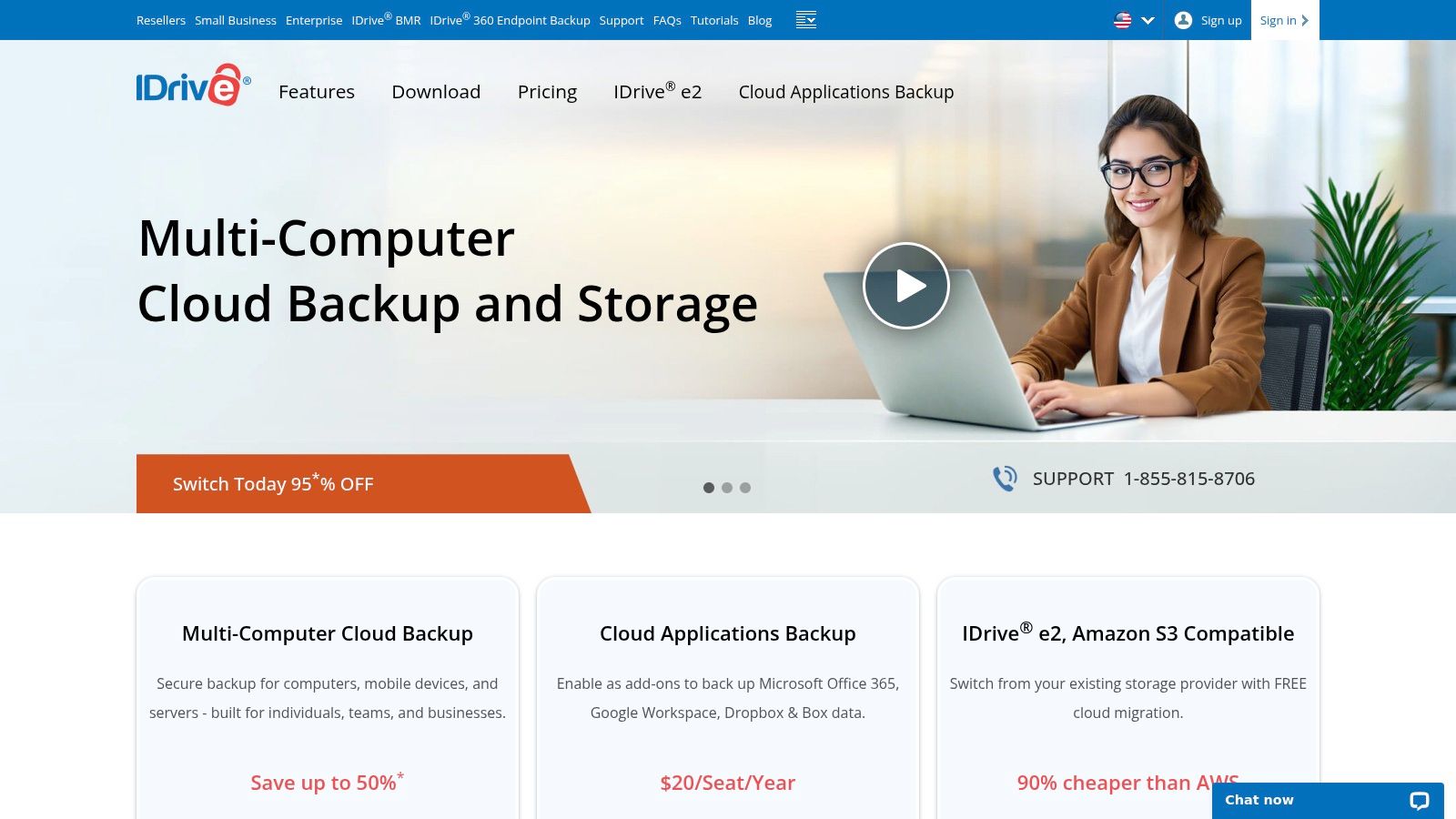
The platform offers a comprehensive feature set that includes not just cloud backup but also real-time file syncing and disk image cloning. Its snapshot and versioning capabilities provide a robust defense against ransomware, allowing you to restore your entire system to a point-in-time before an attack. For enhanced security, you can opt for a private encryption key, ensuring only you have access to your data. While the initial backup of large datasets can be slow over the internet, IDrive offers a free physical data shipment service (IDrive Express) to speed up the process.
Best For: Small businesses needing an all-in-one backup for unlimited PCs, Macs, servers, and mobile devices on a tight budget.
Website: https://www.idrive.com/
2. Backblaze
Backblaze excels in offering one of the most straightforward and affordable backup solutions for small business users who prioritize simplicity and unlimited storage. Its "set it and forget it" approach is perfect for those who don't want to micromanage backup jobs. For a single, low flat fee per computer, Backblaze automatically and continuously backs up all user data-with no data caps or file size restrictions-making it an incredibly cost-effective option for protecting critical workstation files on both Mac and Windows platforms.
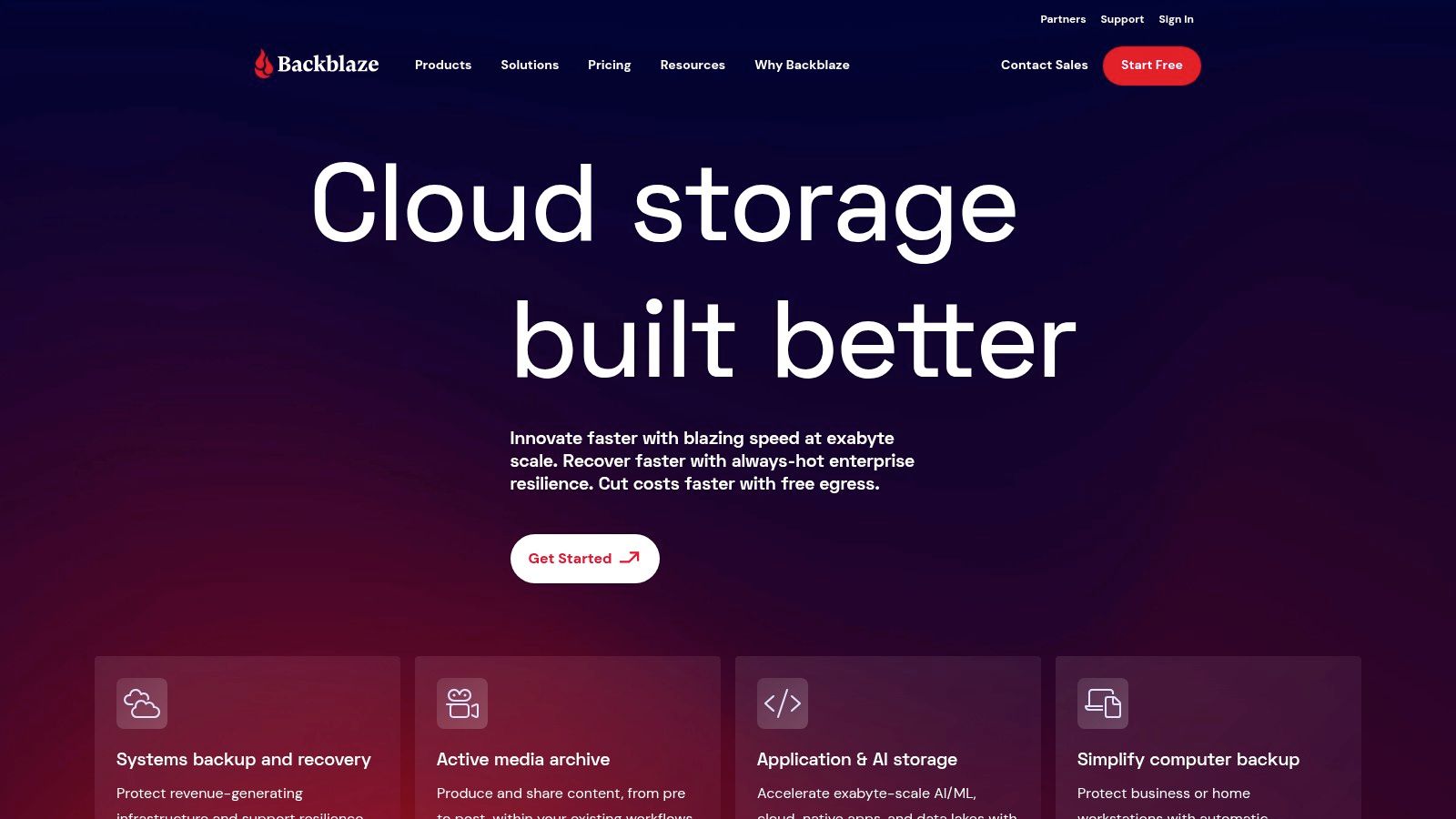
While it doesn't offer the complex features of competitors, such as server or mobile device backup, its strength is its core function. Data is secured with 256-bit AES encryption, and users can add a private encryption key for ultimate control. One of its standout features is the Restore by Mail service, where Backblaze will mail a physical hard drive with your data anywhere in the world, which can be a lifesaver after a major data loss event. This makes it an excellent choice for businesses needing reliable, no-fuss endpoint protection.
Best For: Small businesses and individual professionals seeking a simple, automated, and unlimited cloud backup service for their computers at a predictable price.
Website: https://www.backblaze.com/
3. Carbonite
Carbonite has long been a trusted name in the "set it and forget it" category of backup solutions for small business, excelling at automatic and continuous data protection. It is designed for businesses that need a simple, hands-off approach to securing critical files, photos, and documents from a primary computer or server. Its user-friendly interface makes installation and initial setup a breeze, appealing to owners without dedicated IT staff.
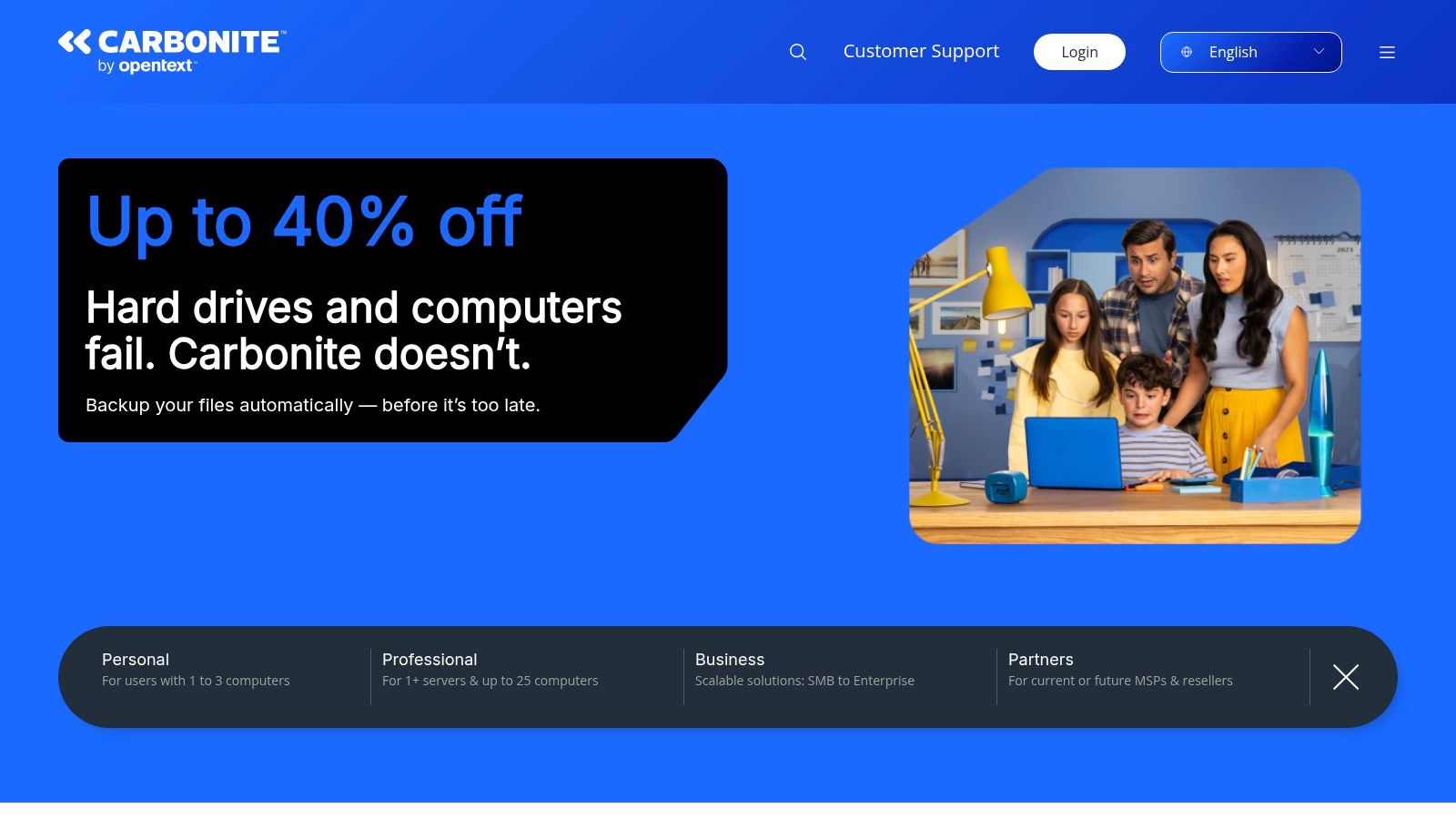
The platform secures data with 256-bit AES encryption and offers file versioning, which is crucial for recovering from accidental deletions or ransomware. While initial backup speeds can be slower compared to competitors, its strength lies in the subsequent incremental backups that are fast and unobtrusive. It's important to note that Carbonite's mobile apps are no longer available, shifting its focus entirely to computer and server protection. Incorporating a tool like Carbonite is a key part of developing effective backup and recovery plans for any small business.
Best For: Businesses looking for a simple, automated cloud backup solution with unlimited storage for a single computer.
Website: https://www.carbonite.com/
4. Acronis Cyber Protect
Acronis Cyber Protect distinguishes itself by integrating robust backup capabilities with a full suite of cybersecurity tools, creating a unified platform for total data protection. This approach is ideal for small businesses that want to consolidate vendors and manage both data recovery and threat prevention from a single, centralized dashboard. It effectively combines reliable backup with real-time anti-malware, antivirus, and anti-ransomware protection, offering a proactive defense against modern digital threats.
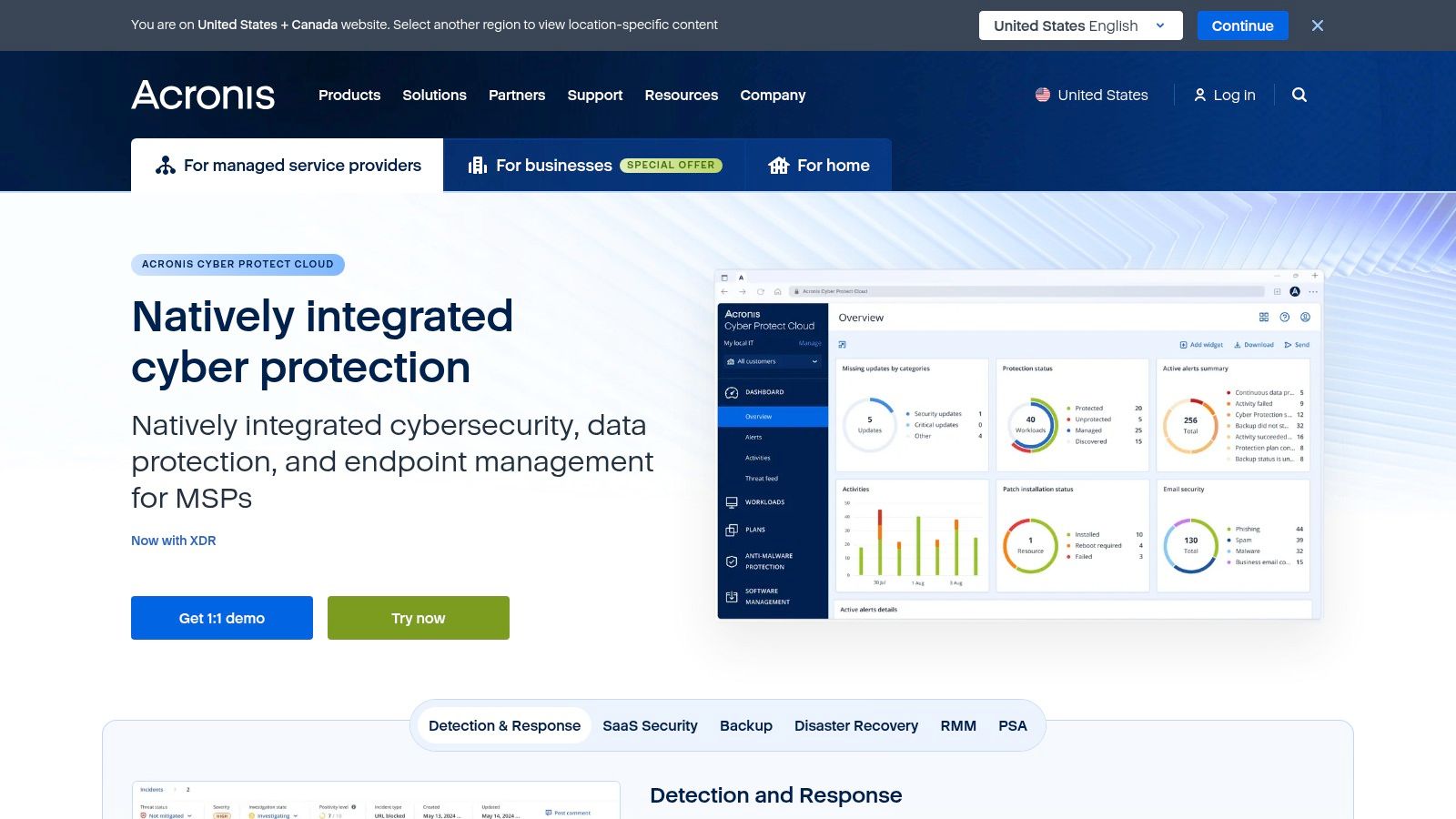
The platform supports a wide range of workloads, including physical servers, virtual machines, cloud applications like Microsoft 365 and Google Workspace, and individual endpoints. Its key strength is the seamless interplay between backup and security; for instance, it can automatically scan backups for malware to ensure clean recoveries. While its comprehensive nature comes at a higher price point than standalone backup tools, the combined value often justifies the cost for businesses prioritizing security. Flexible deployment options (cloud, on-premises, or hybrid) make it one of the more adaptable backup solutions for small business needs.
Best For: Businesses seeking an all-in-one, integrated solution that combines advanced cybersecurity with comprehensive data backup.
Website: https://www.acronis.com/
5. Veeam Backup & Replication
Veeam Backup & Replication provides a powerful, enterprise-grade data protection framework that is highly scalable for small businesses with complex IT environments. It excels in safeguarding virtual, physical, and cloud-based workloads, making it one of the most comprehensive backup solutions for small business operations that rely heavily on virtualization with platforms like VMware vSphere or Microsoft Hyper-V. The platform is celebrated for its rapid recovery capabilities, including the standout Instant VM Recovery feature that can restore a failed virtual machine in minutes, drastically minimizing costly downtime.
While its feature set is robust, offering advanced monitoring, analytics, and flexible deployment options, Veeam presents a steeper learning curve compared to simpler cloud backup tools. The initial setup requires more technical expertise, making it better suited for businesses with an in-house IT team or a managed service provider. Its pricing structure can also be a significant investment for very small companies, but the value is evident for those who cannot afford any operational disruption. Veeam is a top-tier choice for tech-forward businesses demanding high availability and fast, reliable data restoration across a diverse infrastructure.
Best For: Businesses with virtualized environments or hybrid infrastructures that prioritize rapid recovery times and can manage a more technical solution.
Website: https://www.veeam.com/
6. CrashPlan for Small Business
CrashPlan for Small Business delivers a straightforward, "set it and forget it" backup solution that excels in simplicity and robust security. Its primary appeal lies in offering unlimited cloud storage per computer, eliminating worries about data caps or file size restrictions. The platform runs quietly in the background, performing continuous, automatic backups, so your team's workflow is never interrupted, and the most recent file versions are always protected.
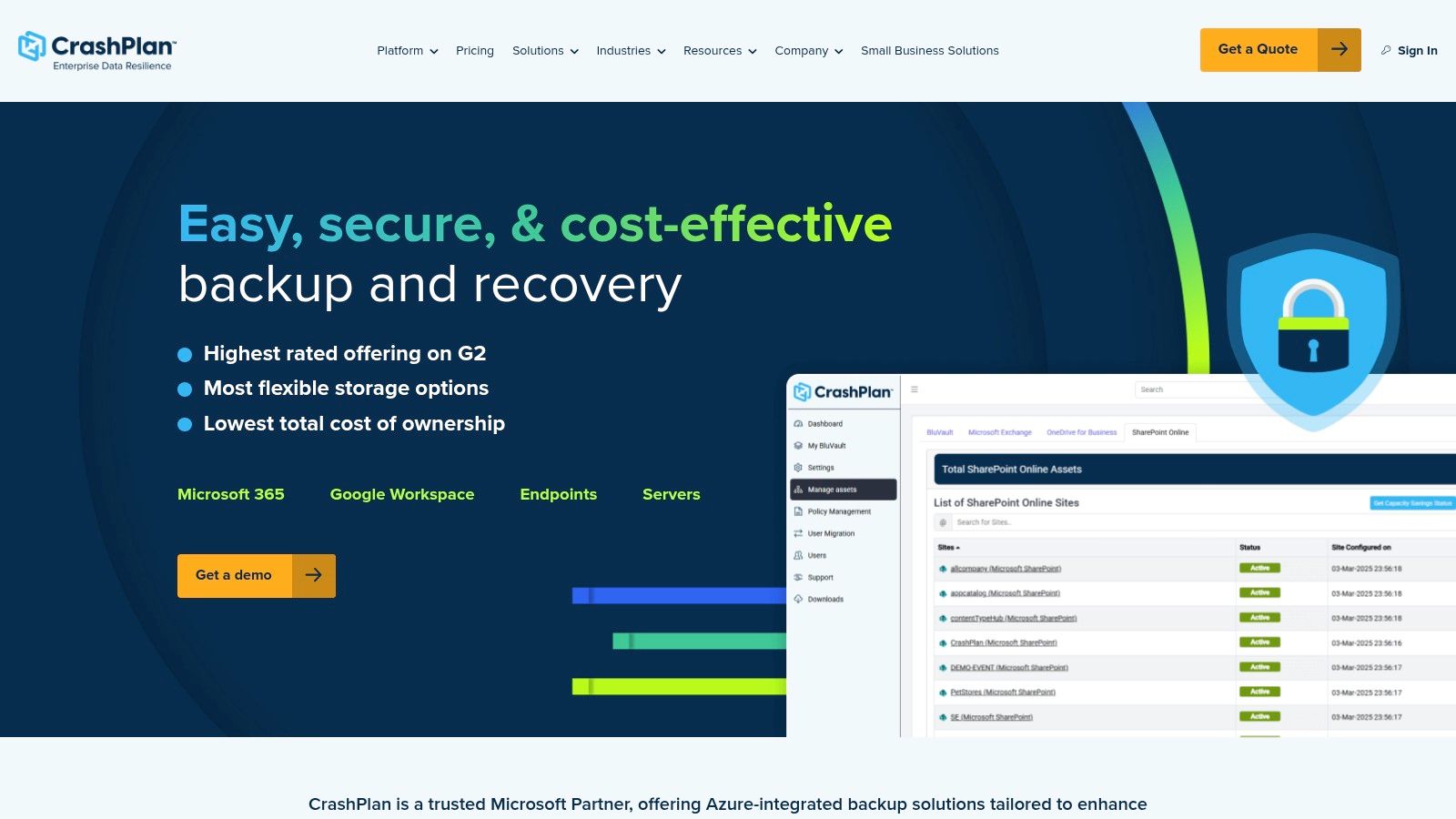
Security is a core focus, with 256-bit AES encryption protecting data both in transit and at rest in their data centers. CrashPlan also includes strong versioning controls, allowing you to restore files from specific points in time, which is a critical defense against accidental deletion or ransomware. While it's one of the most user-friendly backup solutions for small business users, it is important to note its limitations. The service does not support server or mobile device backups, making it best suited for businesses focused exclusively on protecting data on their PCs and Macs.
Best For: Businesses seeking an affordable, unlimited, and automated backup service for workstations without needing advanced features or mobile support.
Website: https://www.crashplan.com/
7. MSP360 (formerly CloudBerry Lab)
MSP360 offers a unique approach to backup solutions for small business by unbundling its software from storage. This provides unparalleled flexibility, allowing businesses to bring their own cloud storage account from over 20 supported providers like AWS, Wasabi, or Backblaze B2. This model is ideal for IT professionals or tech-savvy owners who want granular control over where their data resides and how it's managed, avoiding vendor lock-in and potentially lowering costs by shopping for the best storage rates.
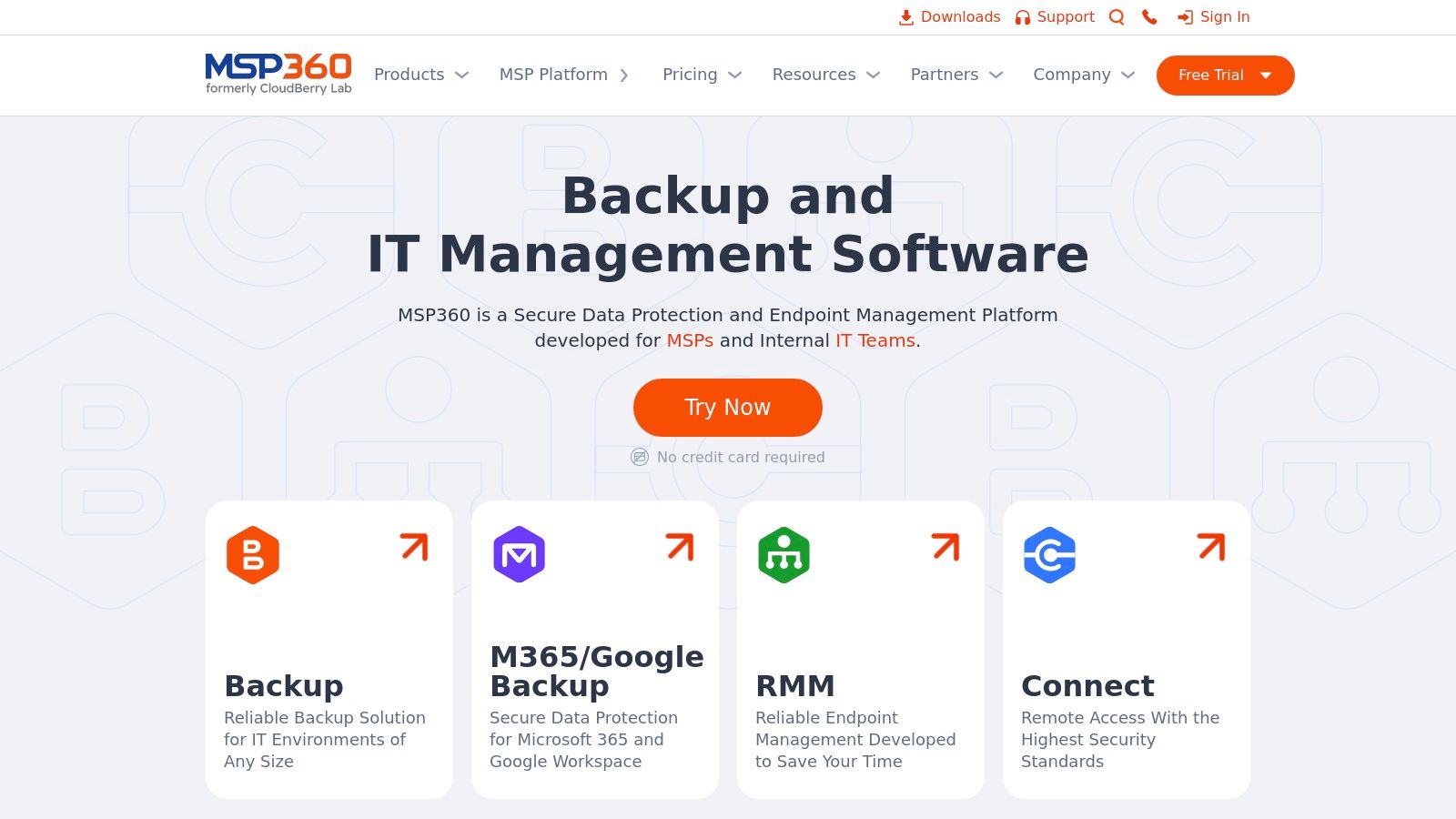
The platform supports a wide array of systems, including Windows, macOS, and Linux, and offers both file-level and complete image-based backups. Its centralized management console is a powerful tool for overseeing multiple endpoints, setting backup schedules, and monitoring job statuses. Security is robust, featuring 256-bit AES encryption and customizable data retention policies. While this power and flexibility are its main strengths, the initial setup can be more complex than all-in-one services, as it requires configuring both the MSP360 software and a separate cloud storage provider. You can learn more about small business cloud backup options and how they compare.
Best For: IT-savvy small businesses or managed service providers who want to control their own storage and require advanced backup features.
Website: https://www.msp360.com/
8. SpiderOak One Backup
SpiderOak One Backup distinguishes itself with a security-first approach, making it one of the premier backup solutions for small business owners who handle highly sensitive or confidential information. Its core principle is "zero-knowledge," meaning all data is encrypted before it leaves your computer, and only you hold the decryption key. Not even SpiderOak employees can access your files, providing an unparalleled level of privacy that is critical for industries like law, healthcare, or finance.
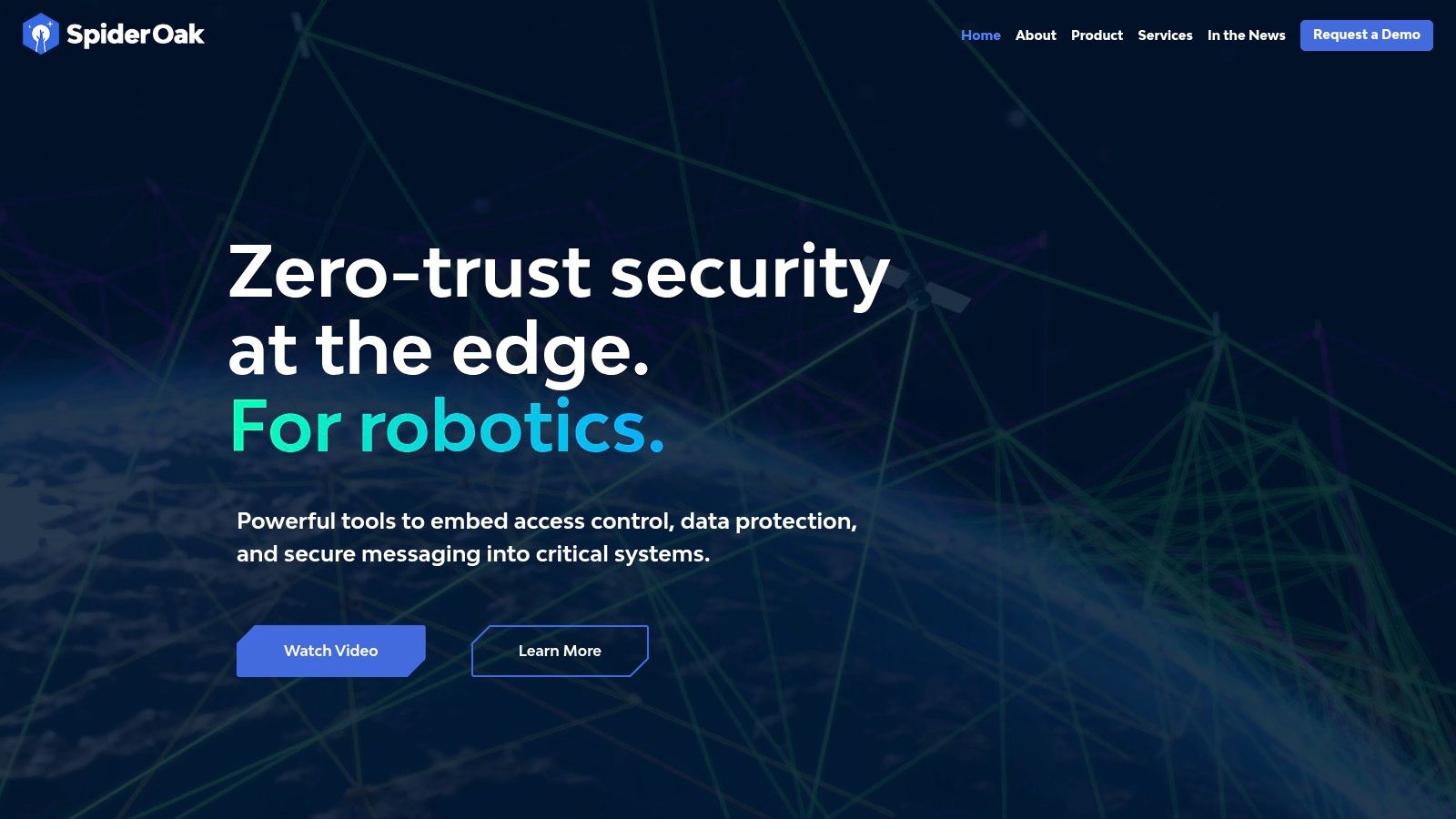
The platform supports an unlimited number of devices, including PCs, Macs, and Linux machines, under a single user account, which simplifies management. It offers robust file versioning and retains deleted files indefinitely, protecting you from both accidental deletion and ransomware. While its pricing is on the higher end and mobile support is limited compared to competitors, the uncompromising commitment to end-to-end encryption provides a necessary layer of security for businesses where data privacy is non-negotiable.
Best For: Businesses in regulated industries or any organization prioritizing data privacy and security above all else.
Website: https://spideroak.com/
9. Sync.com
Sync.com carves out a niche among backup solutions for small business by putting privacy and security at the forefront. Its defining feature is zero-knowledge, end-to-end encryption for all data, both in transit and at rest, meaning not even Sync.com staff can access your files. This makes it an exceptional choice for businesses that handle sensitive client information or must adhere to strict data privacy regulations like GDPR and HIPAA. It functions as both a secure cloud storage and a real-time backup and sync service.
While its primary function is file synchronization, its "Sync Vault" feature acts as a dedicated cloud-only backup space, allowing you to archive files without taking up space on your local devices. The platform offers robust file versioning and recovery, safeguarding your data from accidental deletion or ransomware attacks. Advanced sharing controls, including password protection, download limits, and expiry dates, provide secure collaboration. The main limitation is its lack of Linux support and fewer third-party integrations compared to more mainstream competitors.
Best For: Privacy-conscious businesses like law firms and healthcare practices needing highly secure, encrypted file backup and sharing.
Website: https://www.sync.com/
10. pCloud
pCloud distinguishes itself with a unique pricing model that offers lifetime cloud storage plans, presenting a compelling long-term value proposition for small businesses looking to avoid recurring monthly or annual subscription fees. This makes it an attractive choice for companies that prefer a one-time capital expenditure for their data storage and backup needs. It functions as both a fast cloud storage drive and a reliable backup service, offering flexibility for various business workflows.
The platform provides robust file versioning, with options to extend file history up to a full year, which is crucial for recovering from accidental deletions or ransomware events. While its collaboration features are more basic than some competitors, its user-friendly interface and integrated media player are excellent for businesses that work frequently with audio and video files. For ultimate security, pCloud offers client-side encryption through its pCloud Crypto add-on, though this comes at an additional cost. Its simplicity and one-time payment option make it a standout among backup solutions for small business owners on a predictable budget.
Best For: Small businesses and solo entrepreneurs seeking a cost-effective, long-term backup and storage solution with a one-time payment.
Website: https://www.pcloud.com/
11. Livedrive
Livedrive appeals to small businesses that prioritize simplicity and unlimited storage capacity over complex, per-device pricing models. Its primary draw is the offer of truly unlimited cloud backup for a set number of PCs or Macs, making it a predictable and scalable solution for companies with massive datasets or those experiencing rapid data growth. This makes it one of the more straightforward backup solutions for small business owners who don’t want to worry about hitting storage caps.
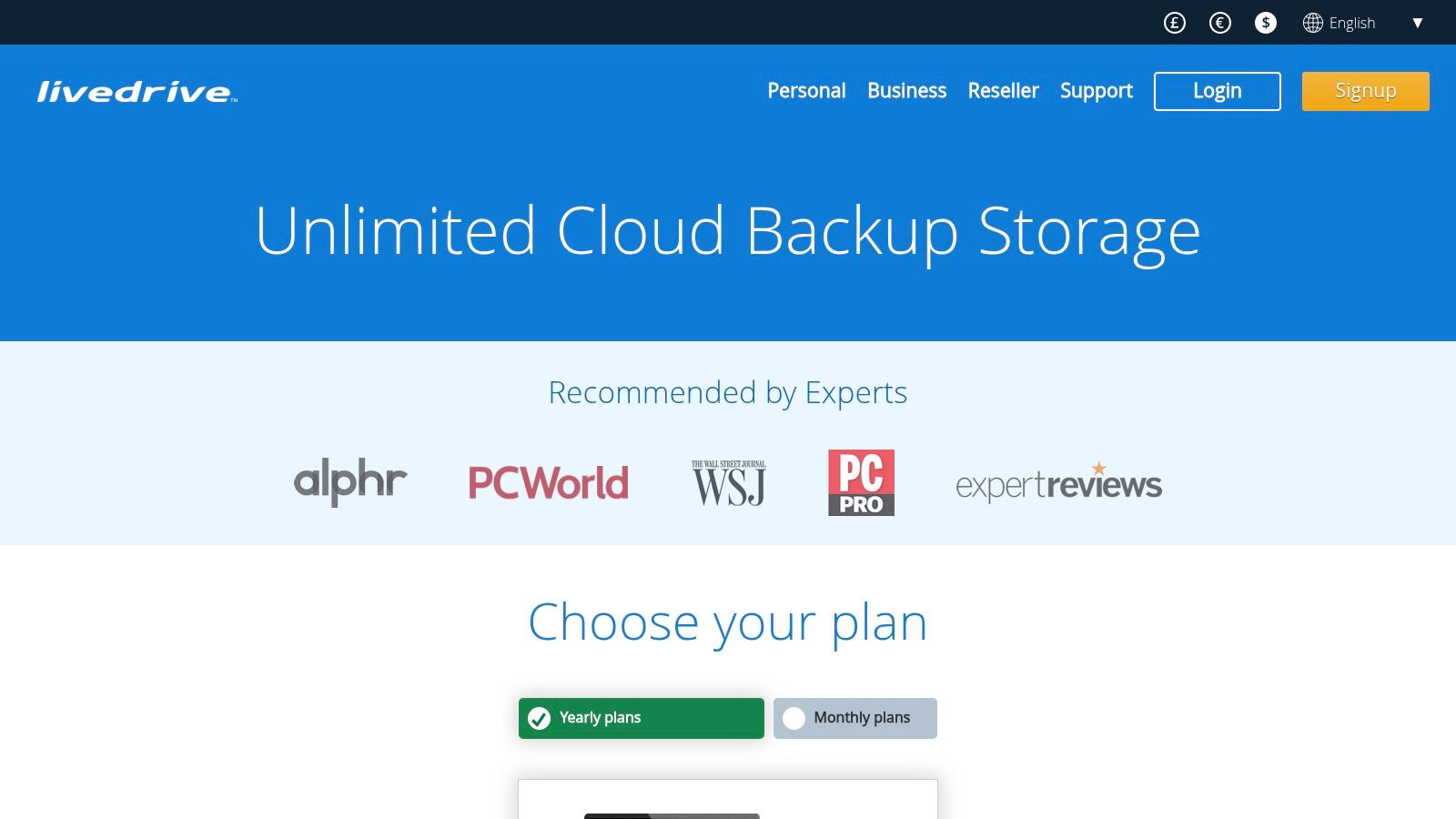
Beyond just backup, Livedrive integrates file syncing and team collaboration features, allowing users to create shared spaces for project files. It also supports FTP, SFTP, and WebDAV protocols, offering flexible access for more technical users or for integrating with other systems. While its pricing can be higher than some rivals and customer support options are more limited, the platform's compatibility with NAS devices and its powerful access methods provide unique value. Adhering to best practices for secure data backup is crucial, and Livedrive's infrastructure helps support this.
Best For: Creative agencies, media companies, or any small business with very large data storage needs and a desire for integrated team collaboration tools.
Website: https://www.livedrive.com/
12. ElephantDrive
ElephantDrive excels as one of the premier backup solutions for small business owners who rely heavily on network-attached storage (NAS) devices. Its key differentiator is the deep, native integration with popular NAS brands like Synology, QNAP, and Western Digital, allowing you to back up your entire NAS directly to the cloud without needing a separate computer to manage the process. This direct-to-cloud functionality simplifies workflows and ensures your centralized data hub is always protected.
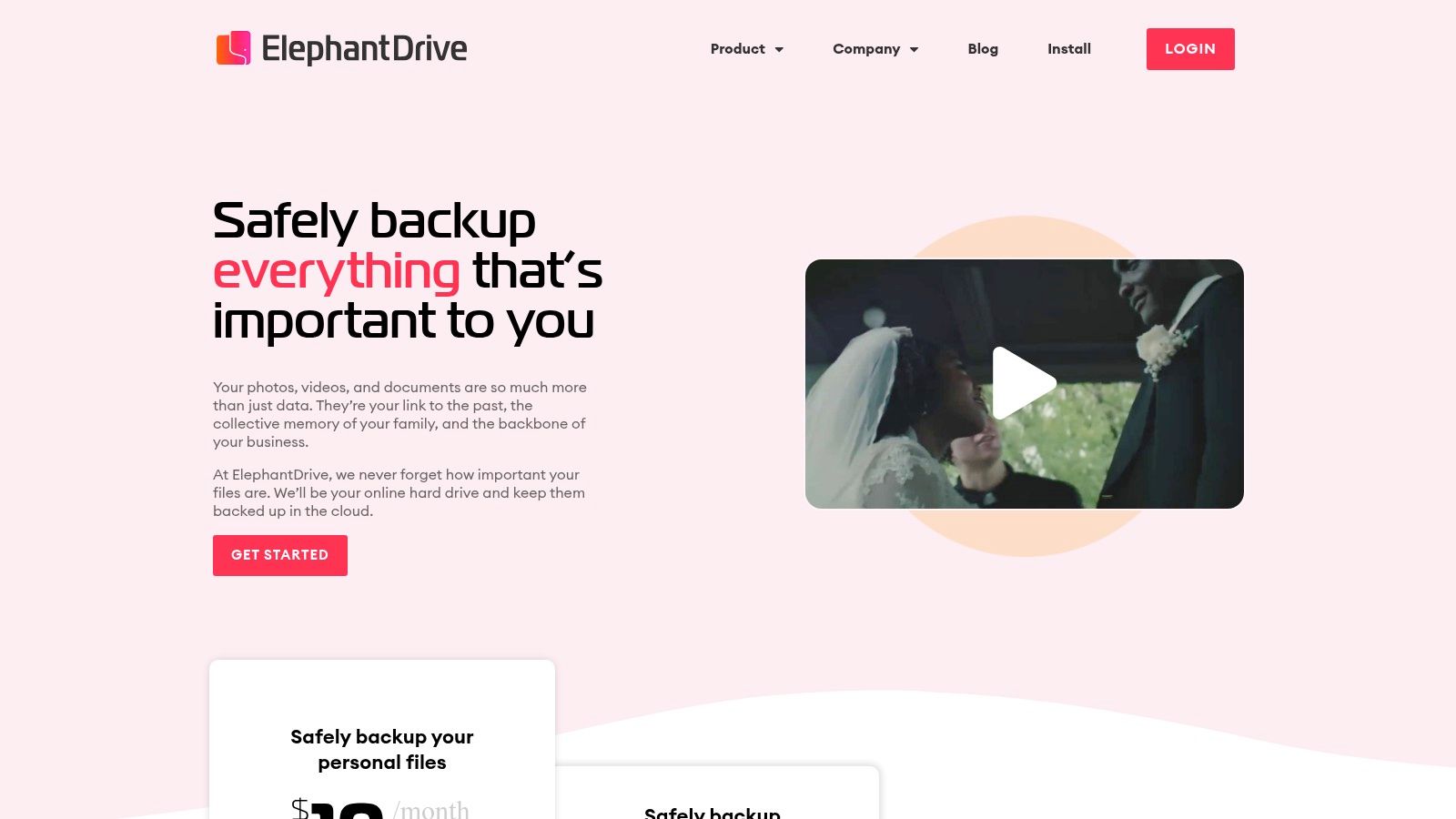
The platform offers automatic, continuous backup alongside robust security, using 256-bit AES encryption to safeguard data both in transit and at rest. Beyond NAS, ElephantDrive also supports standard computer and server backups and includes file-sharing tools for collaboration. While the user-friendly interface is a plus, the pricing can become steep as your storage needs grow, and customer support availability may be limited outside of standard business hours. Despite these points, its specialized focus makes it an invaluable tool for any business using a NAS as its primary data repository.
Best For: Businesses that use NAS devices as a central data hub and need a seamless, integrated cloud backup solution.
Website: https://www.elephantdrive.com/
Backup Solutions Comparison: Top 12 Small Business Tools
| Solution | Core Features ✨ | User Experience ★ | Value & Pricing 💰 | Target Audience 👥 | Unique Selling Points 🏆 |
|---|---|---|---|---|---|
| IDrive | Multi-device backup, real-time sync, hybrid storage | User-friendly interface ★★★ | Affordable, substantial storage 💰💰 | Small businesses needing cross-platform backup 👥 | Snapshots/versioning, private key security ✨ |
| Backblaze | Unlimited cloud backup, auto continuous backup | Simple setup ★★★ | Flat fee, cost-effective 💰💰 | Small businesses seeking simplicity 👥 | Unlimited storage at fixed price 🏆 |
| Carbonite | Auto backup, external drive support, file versioning | Easy setup ★★★ | Unlimited storage, moderate price 💰 | Small businesses wanting ease and support 👥 | External hard drive backup, comprehensive support 🏆 |
| Acronis Cyber Protect | Backup + anti-malware, real-time monitoring, flexible deploy | Centralized management ★★★ | Higher cost 💰 | SMBs needing backup + cybersecurity 👥 | Blockchain notarization, integrated security 🏆 |
| Veeam Backup & Replication | Instant VM recovery, multi-environment support | Powerful but complex ★★ | Premium pricing 💰💰 | Businesses requiring rapid recovery 👥 | Instant VM recovery, scalable architecture 🏆 |
| CrashPlan for Small Business | Unlimited storage, continuous backup, file retention | Simple management ★★★ | Affordable unlimited 💰💰 | Small businesses focused on security 👥 | Unlimited storage, continuous backup 🏆 |
| MSP360 | Multi-cloud integration, centralized control | Advanced features ★★ | Pricing varies by storage 💰 | IT pros & SMBs needing flexibility 👥 | 20+ cloud providers support, image-based backup 🏆 |
| SpiderOak One Backup | End-to-end encryption, zero-knowledge, multi-device backup | Privacy-focused ★★★ | Higher pricing 💰 | SMBs with sensitive data 👥 | Zero-knowledge privacy, secure sharing ✨ |
| Sync.com | End-to-end encryption, real-time sync, sharing controls | User-friendly ★★★ | Affordable plans 💰 | Privacy-conscious SMBs 👥 | GDPR compliance, strong privacy focus 🏆 |
| pCloud | Client-side encryption, media player, lifetime plans | User-friendly ★★★ | Lifetime plan option 💰💰 | SMBs wanting cost-effective long-term 👥 | Lifetime storage, integrated media playback ✨ |
| Livedrive | Unlimited backup, FTP/WebDAV access, collaboration tools | Moderate ★★ | Higher pricing 💰 | SMBs needing collaboration & NAS 👥 | FTP, WebDAV support, team collaboration 🏆 |
| ElephantDrive | NAS device integration, continuous backup, file sharing | User-friendly ★★★ | Higher price for large plans 💰 | SMBs with NAS setups 👥 | Native NAS integration, cross-platform support 🏆 |
Beyond Software: Partnering for True Business Continuity
Navigating the landscape of backup solutions for small business can feel overwhelming. We've explored a dozen powerful tools, from the user-friendly interfaces of Backblaze and CrashPlan to the comprehensive security suites offered by Acronis Cyber Protect and the versatile, multi-cloud capabilities of MSP360. Each option presents a unique combination of features, pricing, and ideal use cases, catering to different business needs and technical comfort levels.
The core takeaway is that there is no single "best" solution for everyone. A law firm in Utah with strict data retention and compliance needs will have vastly different requirements than a multi-location franchise that prioritizes centralized management and scalability. Similarly, a dental practice handling sensitive patient health information (PHI) requires robust, HIPAA-compliant security features that a logistics company might not prioritize to the same degree.
Making Your Final Decision
To select the right tool, you must move beyond feature lists and consider the strategic context of your operations. Your decision-making process should be guided by a few critical questions:
- What specific data do you need to protect? Is it just files and folders, or do you need to back up entire system images, databases, and application states? Tools like Veeam excel at the latter, offering granular control over complex IT environments.
- What are your recovery objectives? Your Recovery Time Objective (RTO) dictates how quickly you need to be operational after a disaster, while your Recovery Point Objective (RPO) determines the maximum amount of data you can afford to lose. Fast recovery needs might point you toward solutions with local backup options, like Acronis or Veeam.
- What are your compliance and security requirements? If you operate in a regulated industry like healthcare or finance, features like end-to-end encryption, audit trails, and data residency are non-negotiable. SpiderOak and Sync.com lead with a zero-knowledge privacy model, ensuring maximum confidentiality.
- What is your internal IT capacity? Be honest about the time and expertise your team can dedicate to managing backups. A simple, set-and-forget solution like Backblaze is perfect for lean teams, whereas a more powerful platform like MSP360 requires more hands-on configuration.
Implementation: The Key to Success
Remember, purchasing a license is only the beginning. The true value of any of these backup solutions for small business is realized through meticulous implementation and ongoing management. This involves proper configuration, establishing a regular and automated backup schedule, and, most importantly, performing periodic test restores. A backup that has never been tested is not a reliable backup; it's a liability waiting to happen.
Ultimately, protecting your company’s data is about building resilience. It’s about ensuring that a hardware failure, a ransomware attack, or a simple human error doesn't become a catastrophic, business-ending event. By carefully evaluating your unique needs and choosing a solution that aligns with your operational reality, you are not just buying software-you are investing in peace of mind and the long-term continuity of your business.
Ready to move beyond DIY backups and implement a professionally managed strategy? The experts at InfoTech Enterprise Solutions specialize in designing, implementing, and monitoring robust backup and disaster recovery plans tailored to the specific needs of businesses in Utah and beyond. Visit InfoTech Enterprise Solutions to learn how we can secure your data and ensure your business is always prepared.


Leave a Reply